
RAILSCAPE
“RAILSCAPE” is a thrilling survival horror adventure that immerses players into a highly radiated world where every decision matters. The core of our game is centered around the principle of high risk-high reward, where players must scavenge for resources in limited time while avoiding enemies and keeping their radiation levels low. The suffocating experience of surviving in this hostile world will test players' resource management skills, their ability to make quick decisions, and ultimately their will to survive.
Our vision is to create a game that delivers an intense and rewarding experience that leaves players on the edge of their seats, always pushing them to their limits during the scavenge.
“2.5D post-apocalyptic survival horror game focused on scavenging and managing radiation levels”
Key Word - Game, UIUX, Unity
OVERVIEW
DURATION
TOOLS
6 months
Unity, Spine Pro, Photoshop
ROLE - Technical Artist, Programmer(UI, Secondary System), UI/UX Designer
GENRE - Survival Horror, Adventure, Action
TEAM SIZE
6


RESPONSIBILITY
In Railscape, I took the role of Technical Artist, Programmer and UI/UX Designer/Programmer.
✤✤ TECHNICAL ART RELATED ✤✤
✦ Create Custom shaders for Object Outlines, 2D Sprites(Light Response), Radiation Screen Effect
✦ Create and Implement VFX Effect using Shader graph - Item Effects(Stunning, Electrify, Explosion), Character(Hit VFX) etc
✦ Set up lighting in the game scene to create the mood - Train Interior, Moving Train Cars motion, different colored lighting in map pt
✦ Collaborated with 3D artist to implement the background and game play scene
✦ Optimize In-game assets
✤✤ ART, UI/UX DESIGN ✤✤
✦ Create all UI sprites - Train Main Map, Mini Map, Radiation Meter, Inventory Panels, Screens
✦ Animate Appearance of UI and implemented the working functions
✦ Create all in Train furniture sprites, part of item sprites, environmental decoration
✤✤ PROGRAMMING ✤✤
✦ Implemented - Some Crafted items function, Using of Main Map, Turn based System, Lock Picking MiniGame, Generation of Environmental Objects, Functioning Traps, Train Moving, Fuel Inserting Display,
✦ Programmed UI Function/Motion in Unity Engine
UI/UX - The Map System
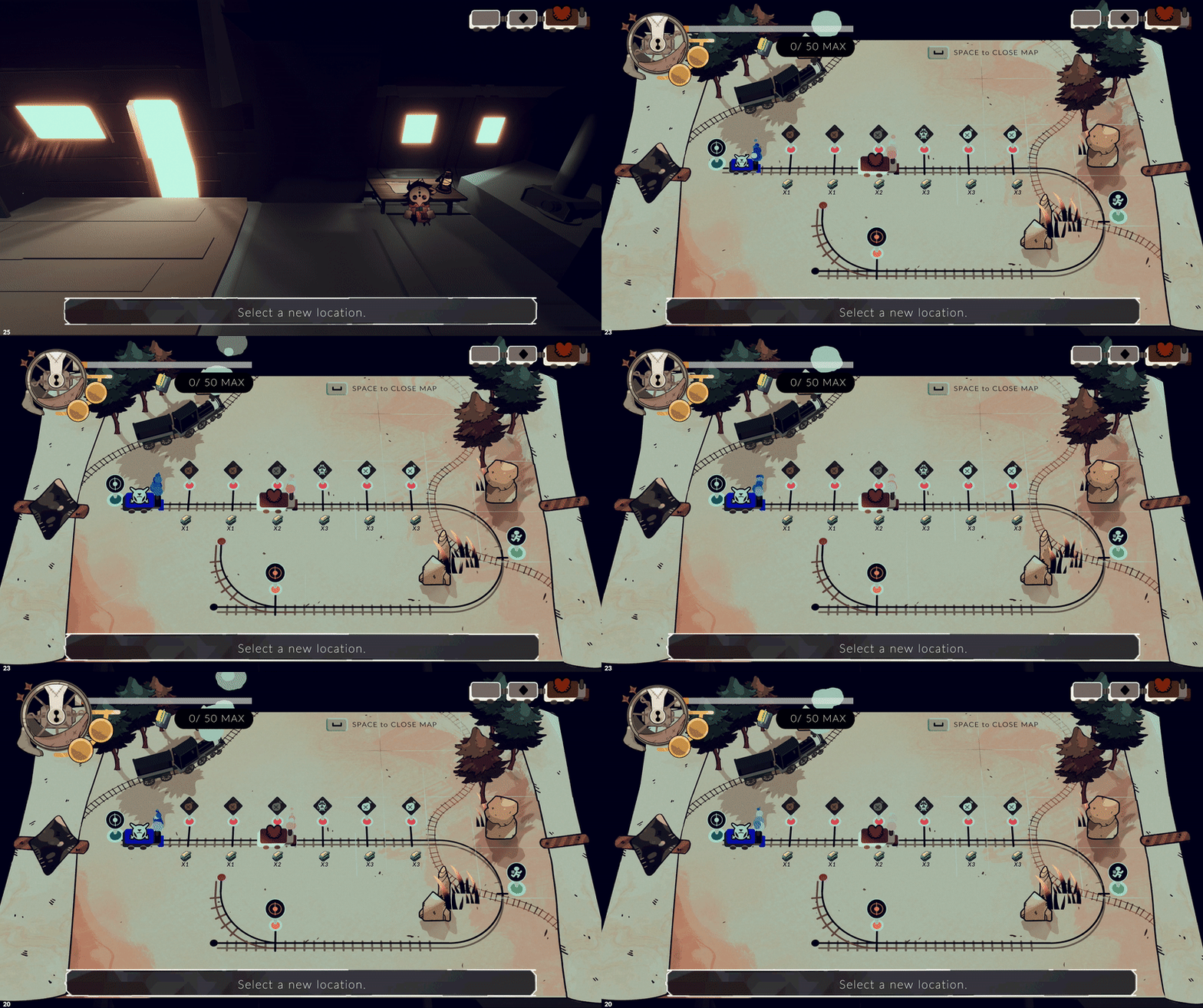
THE INSPO
The inspiration for the map design comes from the core themes of adventure and survival in Railscape. As the player scavenges across this apocalyptic world, I thought about the one essential item they would need to navigate without electricity in such a barren landscape—a map!
REFLECTING GAME DESIGN
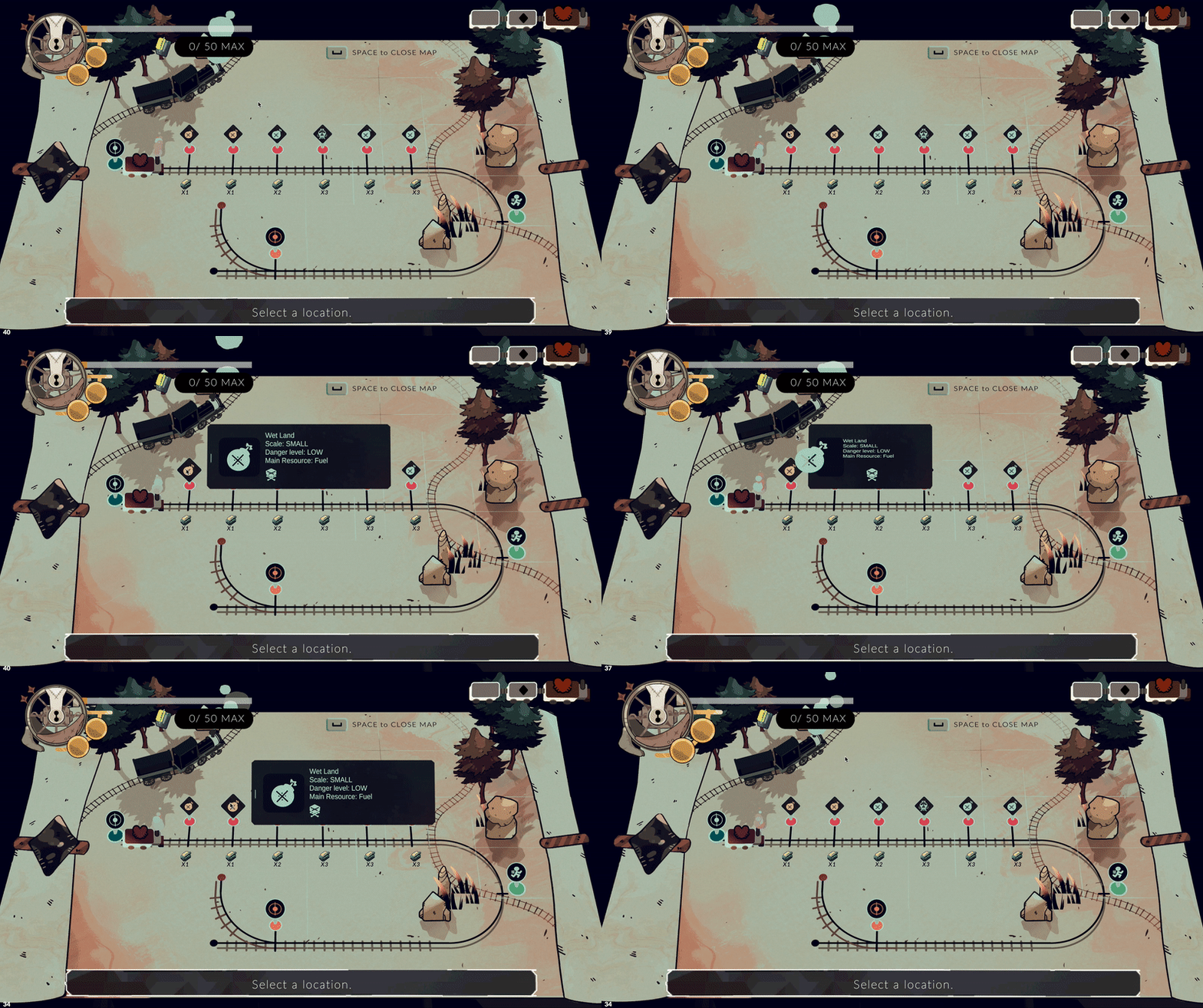
A lot of work was focused on bringing this one main visual effect to life—the idea that when you open the map, a pop-up of environmental objects appears, adding liveliness and creating a stronger connection to the real game world. This effect makes the map more engaging to look at and ties into the overall game design.


Connecting to a key mechanic & game flow of the game, the map is something players will constantly reference from when moving to stops, so it should be visually engaging and fun to open. The design takes inspiration from old railway maps, featuring a brown antique paper texture and color palette to enhance the theme.
To make it as lively as possible, I implemented effects that give movement to the paper and texture, bringing it to life.
The map also serves as the key tool for players to observe enemy movements and track their status, as they constantly chase from behind.


THE ENEMIES


